
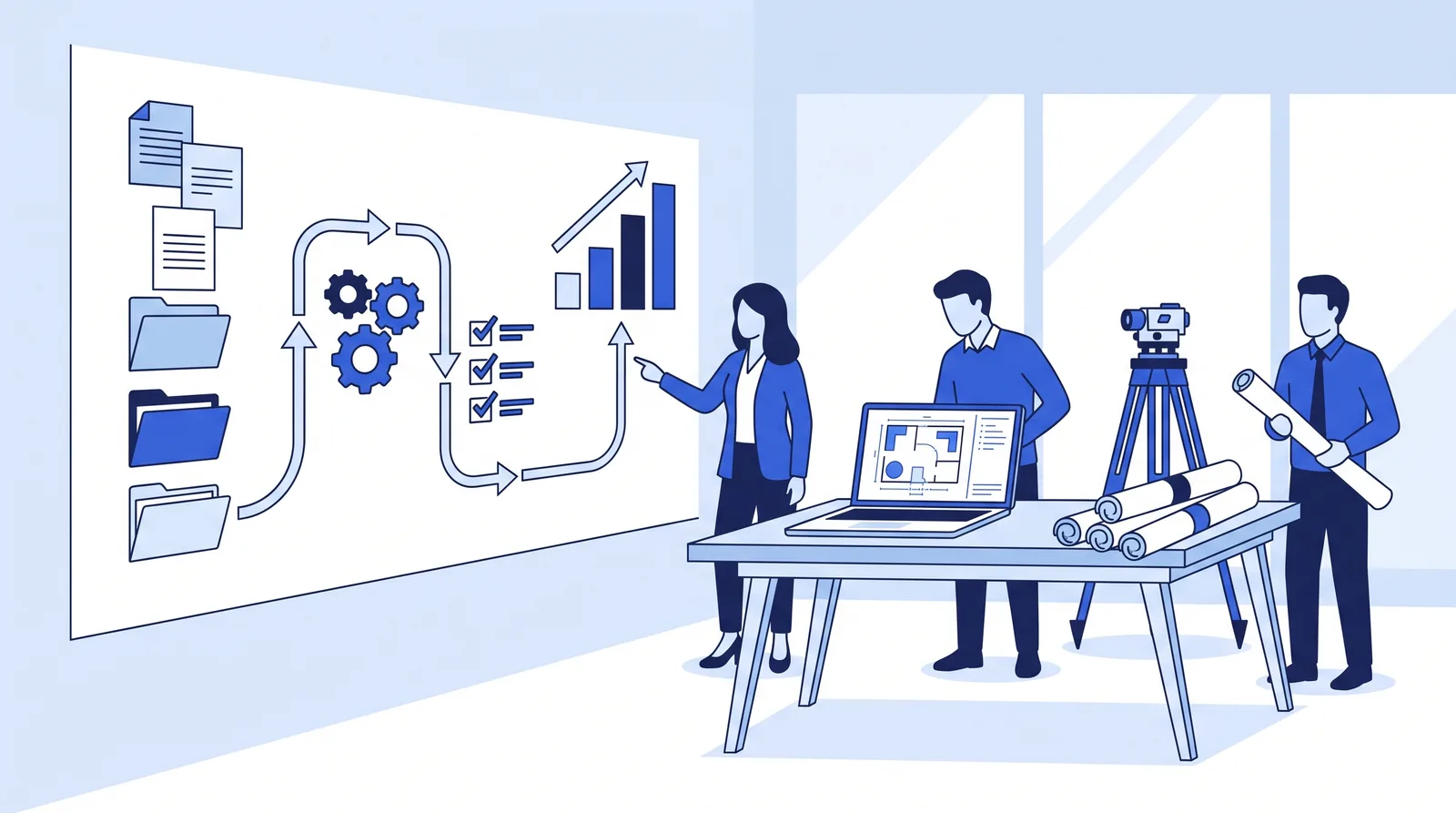
A good AI strategy for an engineering firm fits on one page. It names one business goal, three to five specific workflows to change, the approved tools, the rules for data and review, the training staff will get, and the numbers you'll measure. Most firms that skip those pieces end up with AI licenses and no measurable result.
Is it worth the cost? For most small and mid-sized firms, yes, and the bar is lower than you might think. Licenses are the cheap part. The real costs are staff time for training, review and setup. This guide covers a readiness check, a 90-day roadmap, a full cost breakdown, a breakeven test you can run on your own numbers, and a worked example.
Key takeaways
- AI use is now common in A&E firms, but results aren't. Deltek's 2026 study found 70% of firms use AI, yet only 38% report measurable positive business impact.
- The top barrier isn't money. 62% of A&E firms say their biggest AI challenge is knowing where and how to apply it, which is exactly what a strategy decides.
- License costs are small next to staff time. Copilot Business lists at $21 per user per month, so six seats cost $126 a month and break even at under 2 staff-hours saved, at a $75 hourly cost.
- Training is the most skipped investment. BCG found employees with five or more hours of AI training are significantly more likely to become regular users, yet only 36% feel adequately trained.
- Start with back-office work. MIT researchers found the biggest generative AI returns in back-office automation, while more than half of budgets go to sales and marketing tools.
Why do most engineering firms' AI efforts stall?
Most firms have adopted AI tools without deciding what the tools are for. The 47th annual Deltek Clarity A&E study (May 2026, 896 US and Canadian firms) shows the gap clearly. AI adoption rose from 53% to 70% in a year. But only 38% of firms report measurable positive impact, and another 39% say it's too early to tell or they're still piloting. Asked about their biggest AI challenges, 62% named knowing where and how to apply it, and 56% named integrating AI systems.
The same pattern shows up outside engineering:
- No plan at the top. Microsoft's 2024 Work Trend Index, a survey of 31,000 knowledge workers in 31 markets, found 60% of leaders worry their organization's leadership lacks a plan and vision to implement AI. 59% worry about quantifying the productivity gains.
- Staff fill the vacuum themselves. The same study found 78% of AI users bring their own AI tools to work, rising to 80% at small and medium-sized companies.
- Pilots that never pay. MIT's NANDA initiative concluded that about 95% of enterprise generative AI pilots deliver little or no measurable P&L impact, according to Fortune's report on The GenAI Divide: State of AI in Business 2025.
- Weak data underneath. Unanet's 2026 AEC Inspire report (about 300 US AEC leaders) found 75% of firms now use AI, but only 29% have high confidence in the data feeding it.
Put together, these studies say the same thing from different angles. The constraint is direction, not access. Every firm can buy AI for about $20 a seat. Few have decided which workflows it should change, who owns it, and how they'll know it worked.
STRUCTURE magazine's case for an "inside-out" AI strategy (June 2025) puts it well for engineers. Instead of chasing vendor demos, start from your own bottlenecks and client pain points, then pick tools that address them. The authors warn that "Too loose, and you expose the firm to risk. Too strict, and you kill momentum."
What should an AI strategy for an engineering firm include?
Six parts, each answerable in a few lines. If you can fill in this table, you have a strategy. If you can't fill in a row, that's your first piece of work.
| Part | The question it answers | A good answer looks like |
|---|---|---|
| 1. Goal | What business result is AI for? | "Recover 5 PM hours a week" or "Invoices out within 3 days of month-end" |
| 2. Workflows | Which 3–5 tasks will change first? | Named, high-volume tasks with known hours, e.g. minutes, submittal reminders, invoice drafts |
| 3. Tools | What will you use, and buy or build? | Approved business-tier tools; AI in software you already own; agents for multi-step work |
| 4. Data and rules | Which data can go where, and who reviews what? | A short AI policy with data tiers and review rules by risk |
| 5. People | Who owns it, and how will staff learn? | A named principal; at least 5 hours of hands-on training for regular users |
| 6. Measurement | How will you know it worked? | A 4-week baseline, a target, and a go/stop decision date |
If you want a recognized framework behind this, NIST's AI Risk Management Framework (released January 2023, voluntary) organizes AI work into four functions: Govern, Map, Measure and Manage. It was written for organizations of every size, so a 20-person firm needs a much lighter version. Here is how the four functions translate to a small engineering firm:
| NIST AI RMF function | What it means in a 10–50 person firm |
|---|---|
| Govern | A principal owns AI; a two-page AI policy; approved tools listed |
| Map | List your recurring tasks, the hours they take, and the risk if AI gets each one wrong |
| Measure | Baseline hours, turnaround and error rates before and after each pilot |
| Manage | Review rules by risk; expand what works; stop what doesn't |
Mapping by Suntex Labs. NIST's framework is voluntary and more detailed than most small firms need.
The "Data and rules" part matters most for engineers, because the licensed professional stays accountable. ASCE's Policy Statement 573 (July 2024) says "AI cannot be held accountable" and can't replace an engineer's judgement. Our guide to whether AI is safe for engineering firms covers the policy, data tiers and review rules in detail, so this article focuses on direction, cost and payback.
Step 1: run an AI readiness assessment
An AI readiness assessment (often called an AI audit) tells you whether to fix foundations first or go straight to a pilot. You don't need a consultant for the first pass. Answer these eight questions yes or no:
- Owner: Has a principal been named as accountable for AI, with time set aside for it?
- Approved tool: Do staff have a business-tier AI tool, signed in with work accounts, so they don't need personal ones?
- Policy: Is there a written AI policy covering client data and review?
- Files and permissions: Are project files in one shared system, with permissions that match who should see what?
- Time data: Does your accounting system (Deltek, BQE Core, Ajera or QuickBooks) track time by project and phase, so you can measure change?
- Task list: Have you listed your top five repetitive admin tasks, with rough hours per week?
- Templates: Do you have standard templates for minutes, proposals, transmittals and invoices?
- Training: Have regular AI users had at least five hours of hands-on training?
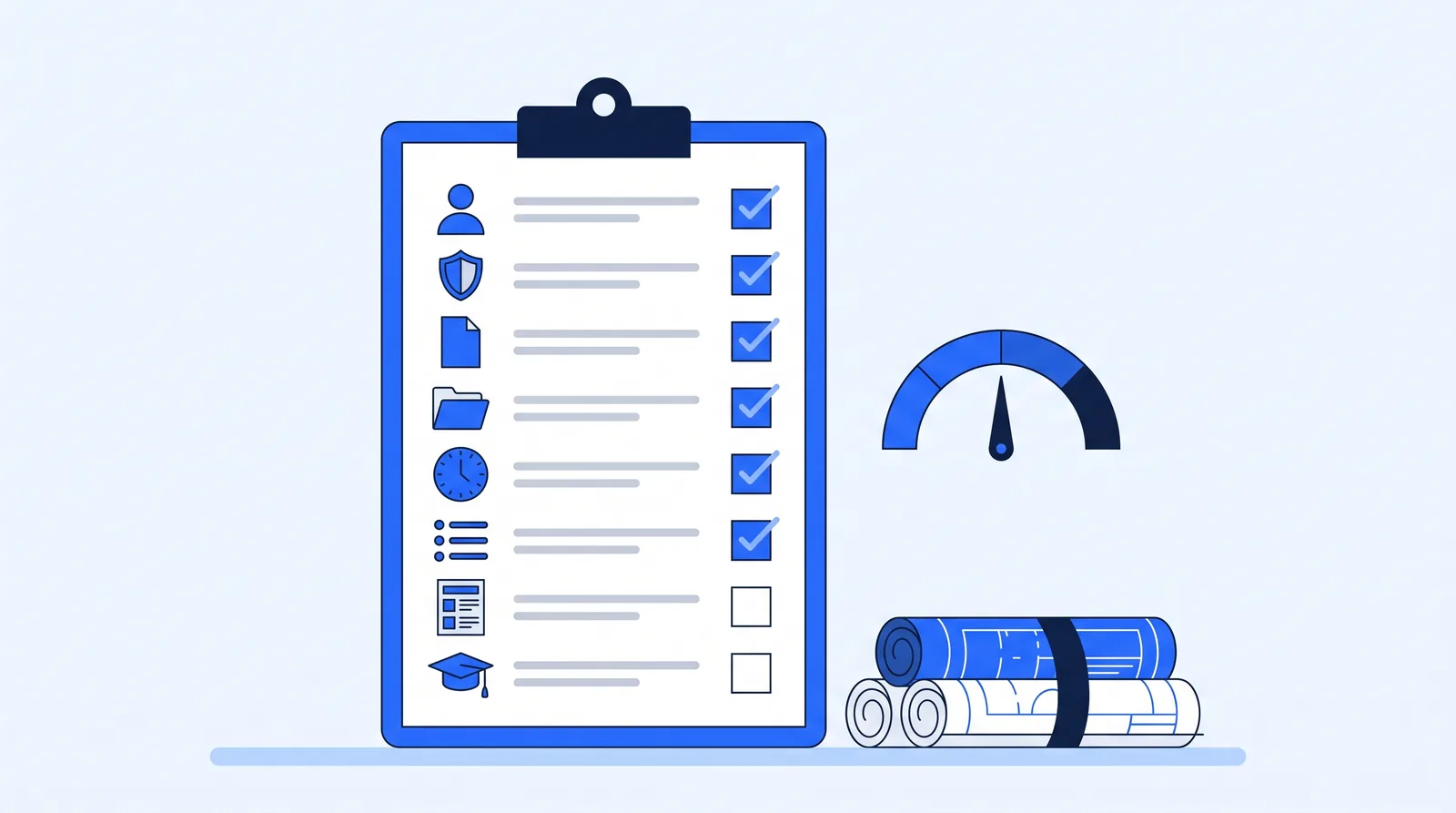 Eight yes/no questions are enough to decide your next move.
How to read your score:
- 0–3: fix foundations first. Name an owner, approve a tool, write the policy and list your tasks. These take weeks, not months, and they're prerequisites for everything else.
- 4–6: run a pilot. You can start Step 2 now and close the remaining gaps alongside it.
- 7–8: scale. You're ready to move from single tools to multi-step automation and agents.
Question 4 trips up more firms than any other. Microsoft says Copilot "only surfaces organizational data to which individual users have at least view permissions", so it's only as safe as your folder permissions. And Unanet's finding that just 29% of AEC firms trust the data feeding their AI suggests that file structure and time-tracking discipline are a weak point for most.
For question 6, the Academy lesson on mapping your admin day has a template, and the workflow prioritizer helps rank the results.
Step 2: build a 90-day AI roadmap
A 90-day roadmap is long enough to show results and short enough to keep attention. SSOE's CEO, speaking on an ACEC webinar, recommended treating AI integration like any other project: objectives, scope, a team, a budget and a schedule. A simple version for a small firm:
| Phase | Weeks | What you do | Output |
|---|---|---|---|
| Assess | 1–4 | Score readiness; fix the gaps; list tasks and hours; baseline the 3–5 chosen tasks for four weeks | One-page strategy, baseline numbers |
| Pilot | 5–8 | Run AI on the chosen tasks with an approval step on every output; train the pilot users | Working pilots, corrections log |
| Measure | 9–12 | Compare hours, turnaround and errors with the baseline; decide go, fix or stop for each task | A go/stop decision per task |
| Scale | Months 4–12 | Relax approvals where drafts are consistently right; add the next tasks; review the strategy every six months | A growing list of automated workflows |
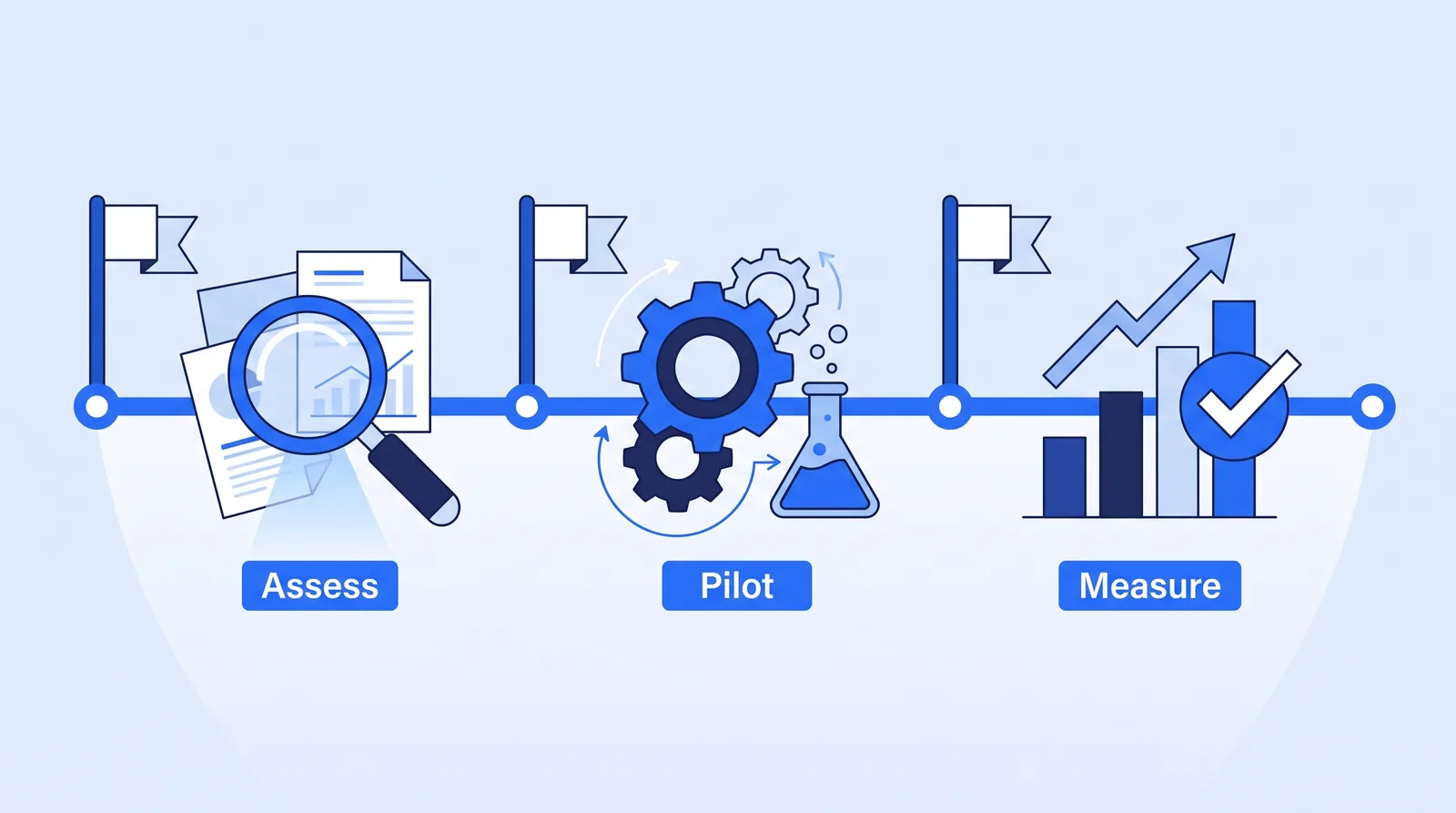 Assess, pilot, measure, then decide. Scaling starts only after the numbers are in.
How do you choose the 3–5 tasks? Pick ones that are frequent, follow a pattern, and have errors that are easy to catch. That usually means project admin: meeting minutes, document and submittal chasing, permit tracking, proposal assembly and invoice drafting. Our AI automation guide for engineering firms rates common tasks by fit, and 14 ways engineering firms use AI shows where each sits on the maturity curve.
This is also where research points. In MIT's study, as reported by Fortune, the biggest returns came from back-office automation, while more than half of generative AI budgets went to sales and marketing tools. Unanet found the same tilt in AEC: most firms apply AI to business development and marketing first.
How much does AI cost an engineering firm?
The license fee is the smallest line. Here is the full set of costs to budget for, with how to estimate each one.
| Cost | What it covers | How to estimate it | One-off or ongoing |
|---|---|---|---|
| AI assistant licenses | Copilot, ChatGPT, Claude or Gemini seats | Seats × list price (see below) | Ongoing |
| AI in software you already own | AI features in Deltek, Unanet, Bluebeam, Procore and similar | Check your vendor's add-on pricing | Ongoing |
| Automation and agents | Multi-step workflows: building, hosting, AI usage, fixes | DIY staff hours, or a consultant or managed-service quote | Both |
| Training | Hands-on sessions and practice time | Regular users × 5 hours × hourly cost | One-off, plus refreshers |
| Review time | People checking AI drafts | Falls as drafts improve; highest in the first month | Ongoing, shrinking |
| Data and permissions cleanup | Folder structure, sharing permissions, templates | A few days of IT or office manager time | One-off |
| Strategy owner time | The principal running the roadmap | A few hours a week during the 90 days | Mostly one-off |
As of October 2026, the main assistants cost:
- Microsoft 365 Copilot Business: $21 per user per month for firms with 300 or fewer employees on a Microsoft 365 Business plan, down from $30, effective December 1, 2025 (Computerworld).
- ChatGPT Business: $20 per user per month billed annually, or $25 billed monthly, for a standard seat (OpenAI).
You don't need to license everyone. The best AI tools for engineering firms roundup compares the assistants and the AI built into AEC software, with a costed starter stack.
 Licenses are the visible cost. Staff time for training, review and setup is usually larger.
The cost firms underinvest in is training. Bluebeam's AEC Technology Outlook 2026 (over 1,000 AEC technology decision-makers in five countries) found 65% of firms spend less than 10% of their technology budgets on training. Yet BCG's AI at Work 2025 survey of more than 10,600 workers found that employees with five or more hours of training, especially in person and with coaching, are significantly more likely to become regular users. Only 36% feel adequately trained.
Is AI worth it for a small engineering firm?
Usually, if the hours it saves are real and you measure them. The test is simple: divide the monthly cost by your hourly cost to get the hours AI must save each month to break even.
Breakeven hours per month = monthly AI cost ÷ hourly cost of the person whose time is saved
The table below runs that formula for five spending levels. It uses two assumed rates: a $75 loaded staff cost per hour, and a $150 billing rate per hour. Replace both with your own.
| Spending scenario | Monthly cost | Breakeven at $75/h cost | Breakeven at $150/h billing |
|---|---|---|---|
| Copilot Business for 6 heavy users (6 × $21) | $126 | 1.7 hours | 0.8 hours |
| ChatGPT Business for 10 users, monthly billing (10 × $25) | $250 | 3.3 hours | 1.7 hours |
| Copilot Business for all 25 staff (25 × $21) | $525 | 7 hours | 3.5 hours |
| Training 25 staff for 5 hours each ($9,375), spread over 12 months | $781 | 10.4 hours | 5.2 hours |
| An illustrative $2,000/month automation budget (agents, custom build or managed service) | $2,000 | 26.7 hours (about 6 a week) | 13.3 hours |
Original calculation by Suntex Labs from list prices as of October 2026. The $75 and $150 rates and the $2,000 budget are assumptions for illustration.
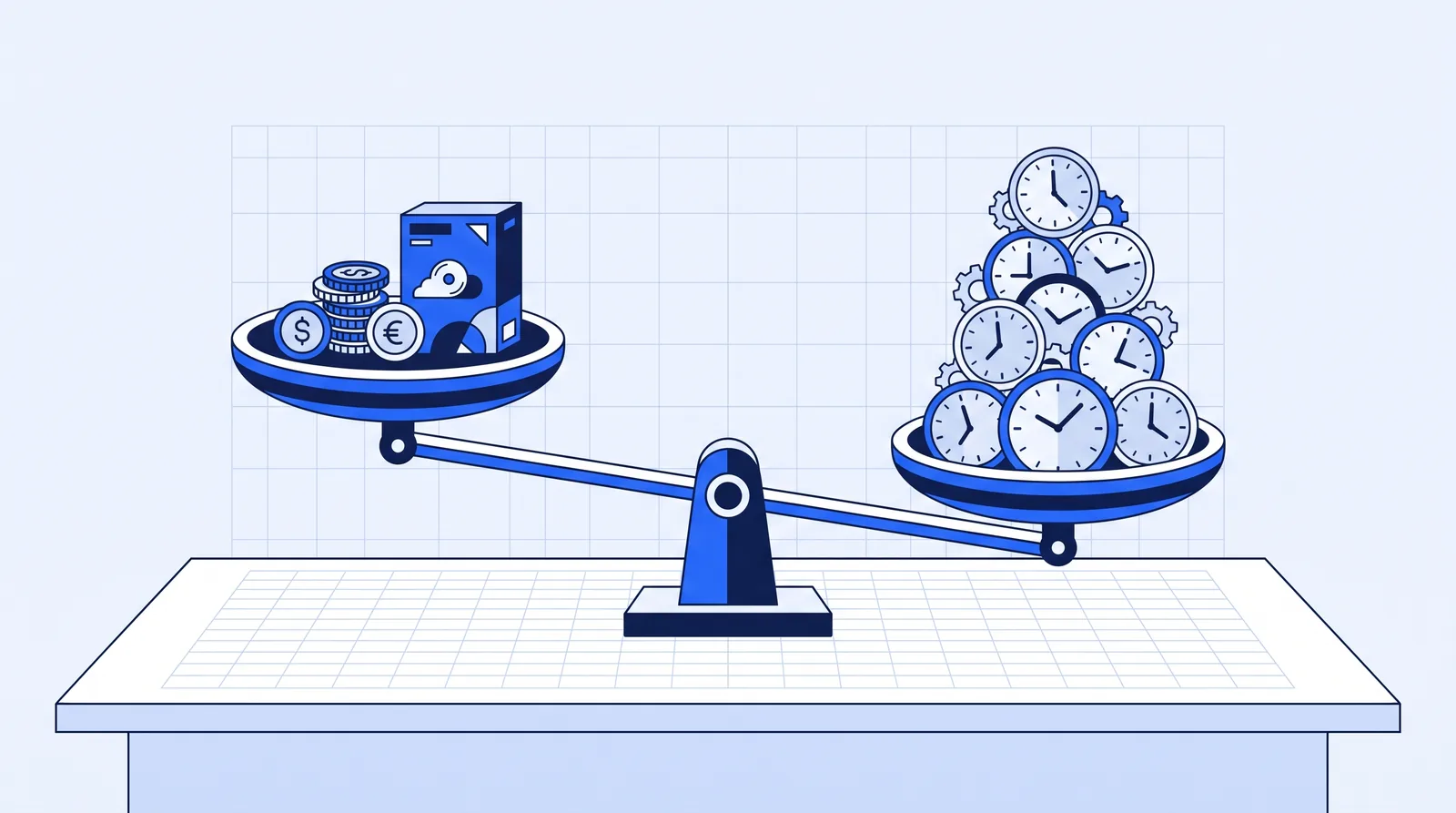 For most tools, the hours needed to break even are small. The hard part is making sure the hours are real.
Three things stand out from the math:
- The bar for licenses is low. A few hours a month across a team covers most assistant subscriptions. Cost is rarely the reason AI fails to pay.
- Training costs more than licenses, and it's what makes them pay. In the table, training 25 people costs more per month for the first year than licensing all 25.
- Freed hours only count if they go somewhere. With A&E utilization just under 60% (Deltek), there is room to turn saved admin hours into billable work. If saved hours simply disappear into the week, the $150 column doesn't apply, and only the cost column does.
What do firms that have adopted AI report? In Bluebeam's survey, 68% of early adopters said they'd saved at least $50,000, and 46% said they'd saved 500 to 1,000 hours. These are self-reported figures in a vendor's survey, and "early adopter" isn't defined, so treat them as a sign of what's possible rather than a forecast. The automation ROI calculator runs the same breakeven test with your own salaries and hours.
How should you train engineering staff on AI?
Give regular users at least five hours of hands-on practice on their own work, not a one-hour demo. That five-hour threshold comes from BCG's research, and it's the cheapest lever in your strategy. Microsoft found only 39% of people who use AI at work have had AI training from their company.
A simple training plan by role:
- Everyone (1 hour): the AI policy, which tools are approved, the data tiers, and why personal accounts are off-limits for client data.
- PMs and admin staff (5+ hours): practice on real tasks, such as turning a meeting transcript into minutes, drafting a transmittal, or summarizing a comment letter. Include checking outputs against sources.
- Principals (2–3 hours): reading AI-assisted work critically, approval rules, and how to read the pilot metrics.
- Engineers doing technical work: where AI can assist and where responsible charge means the engineer directs the work, in line with ASCE and your state board.
Leadership involvement matters as much as content. BCG found only 25% of frontline workers say their leaders give enough guidance on AI, and that adoption is markedly higher where leaders are engaged.
Should you buy, build, or hire help?
Buy for common tasks, build only with in-house skills, and get help when nobody has time to own it. MIT's research, as reported by Fortune, found that buying from specialized vendors and building partnerships succeeded about 67% of the time, while internal builds succeeded only one-third as often. The lead author's summary of what the successful ones did: they "pick one pain point, execute well, and partner smartly."
| Option | Choose it when | Watch out for |
|---|---|---|
| Assistant licenses (Copilot, ChatGPT) | Staff write, summarize and search a lot | Adoption stalls without training and named use cases |
| AI in software you already own | You run Deltek, Unanet, Bluebeam or Procore | It only works inside that system |
| DIY automation (e.g. Microsoft Power Automate) | You have someone with time and technical skill | Internal builds fail more often; maintenance falls on one person |
| Outside partner (consultant or managed service) | No one in-house has the time to build and maintain it | Ask who owns what's built, how results are measured, and what happens if you leave |
Whichever you choose, the strategy stays yours. A partner can build and run the agents, but the firm should own the goal, the policy, the review rules and the numbers.
Example scenario: a 25-person MEP firm writes a one-page AI strategy
Example scenario: from scattered licenses to a measured pilot This is an illustrative example, not a real client.
The situation: A 25-person MEP engineering firm bought a handful of AI licenses last year. A few people use them; most don't. Nobody can say whether they've saved any time. The principals want to know whether to expand or cancel.
What they do: One principal takes ownership. The readiness check scores 4 out of 8: the firm has an approved tool and good time tracking, but no policy, no task list, messy project folder permissions and no training. In the first four weeks they write a two-page policy, tidy folder permissions and baseline three tasks: meeting minutes, submittal reminders and monthly invoice backup. They license Copilot Business for the 8 heaviest writers (8 × $21 = $168 a month, or $2,016 a year), give all 25 staff a one-hour policy briefing and the 8 pilot users five hours of hands-on training. They run the pilot for four weeks with an approval step on every output, then compare.
The likely outcome: Year-one cost is about $9,100: $2,016 in licenses, $4,875 in training time (65 hours at an assumed $75 an hour) and $2,250 of principal time (30 hours, also assumed). That's about $760 a month, so the pilot breaks even at roughly 10 hours saved a month across the 8 users, or about 1.3 hours per person per month. Given Bluebeam's self-reported early-adopter savings, clearing that bar is plausible. The bigger risk is the one in Deltek's data, where only 38% of firms see measurable impact. The baseline and go/stop date are what protect this firm from becoming one of the other 62%.
The arithmetic: training is (25 × 1 hour) + (8 × 5 hours) = 65 hours × $75 = $4,875. Total $2,016 + $4,875 + $2,250 = $9,141 ÷ 12 ≈ $762 a month ÷ $75 ≈ 10.2 hours ÷ 8 users ≈ 1.3 hours each.
Conclusion
An AI strategy for an engineering firm doesn't need a consultant's deck. It needs an owner, a goal, three to five named workflows, an approved tool, a short policy, real training and a baseline. Deltek's numbers show why: most A&E firms now use AI, but fewer than four in ten can point to a measurable result, and the main reason is not knowing where to apply it.
The recommendation: score your readiness this week, write the one-page strategy, and run a 90-day roadmap on admin tasks where errors are easy to catch. Use the breakeven test to decide what to keep. For most firms, the license math clears easily; the work is in training people and measuring honestly.
FAQs
What is an AI readiness assessment for an engineering firm?
It's a short check of whether your firm has the basics AI needs: an owner, an approved tool, a policy, organized files with correct permissions, time data you can measure against, a list of repetitive tasks, templates and trained users. The eight-question version above takes about 30 minutes. A low score means fixing foundations before buying more tools.
How much should a small engineering firm budget for AI?
Licenses are modest: Copilot Business lists at $21 per user per month and ChatGPT Business at $20–$25, as of October 2026. Budget at least as much again for training time, plus a few days to tidy files and permissions. Multi-step automation or agents cost more and vary widely, so compare quotes against the hours they'd save.
How long does it take for AI to pay off?
A focused pilot can show whether it's working within about 90 days: four weeks of baseline, four weeks of pilot, four weeks of measurement. Assistant licenses often break even within the first month if people use them on real tasks. Larger automation projects take longer, which is why setting a go/stop date matters.
Is a free AI audit worth it?
It can be, if it ends with a ranked list of your tasks, the hours each takes and what you'd automate first. Be wary of an audit that ends with a product recommendation but no numbers. You can also run the first pass yourself with the readiness check above, then use an outside view to challenge it.
Who should own AI strategy in an engineering firm?
A principal or owner, not just IT. The work touches client data, professional responsibility, billing and staff roles, so it needs someone with authority across all of them. IT or an office manager can run the day-to-day pieces, such as tools, permissions and training schedules.